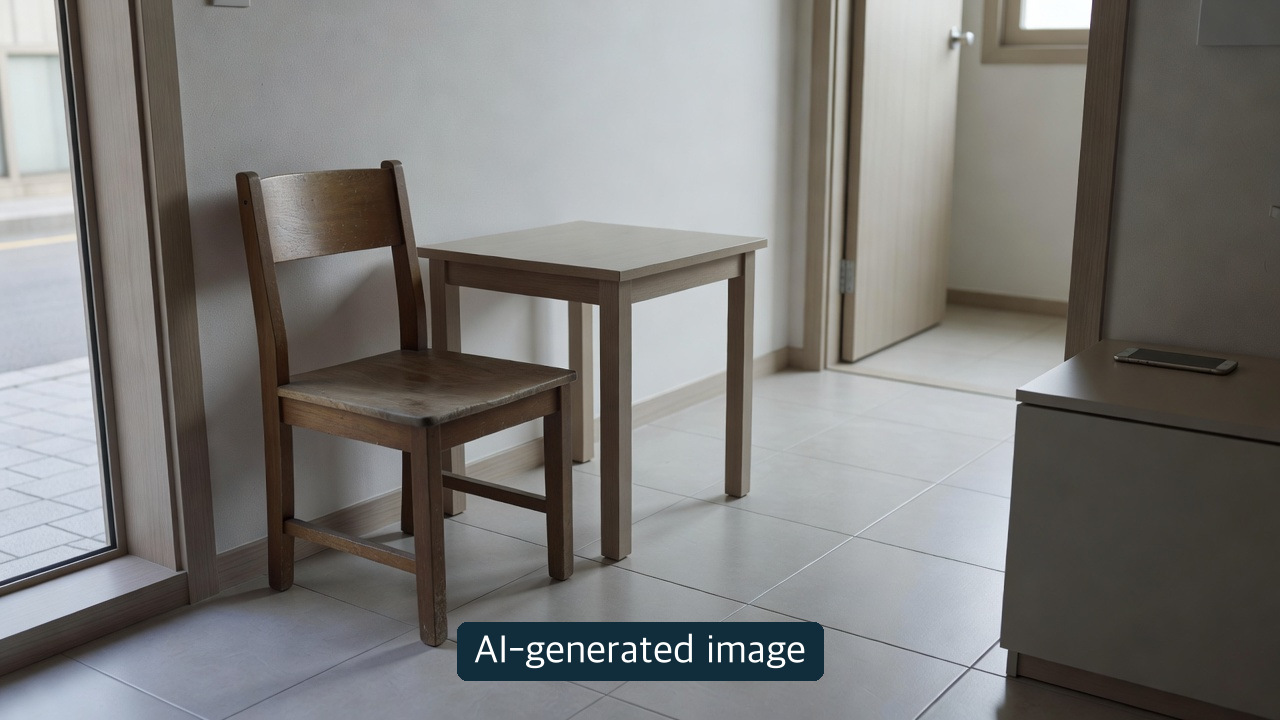
A photo-identification result is not proof that bulky-waste disposal has been registered. On October 12, 2026, Korea's Ministry of Climate, Energy and Environment and Ministry of Science and ICT announced a pilot for residents of Eunpyeong District, Seoul, starting October 13. Gajyeoga (가져가) is the new app named in that announcement. This is a stage-by-stage caution guide, not a firsthand app test; it complements the Korean Naver summary.
Identify, check local guidance, then verify the request
| Stage | Announced capability | Check before moving on |
|---|---|---|
| Photograph | AI classifies the item from a phone-camera image | Does the identified item and size match the object? |
| Local guidance | GPS-linked collection days, fees and sorting instructions | Is the phone's location also the actual disposal address? |
| Bulky-waste request | In-app reporting and fee payment for large furniture and appliances | Is there a completed request/payment record and a confirmed date, location and number-display instruction? |
The ministries said the pilot would test identification accuracy, usability and stability. They did not establish measured accuracy or a successful collection rate in this release. Nor does the announcement promise free or same-day collection. Taking a photo is not the same as finishing a payment.
Keep the district and app names straight
The named initial audience is Eunpyeong residents, not everyone in Korea. The release says residents should be able to try Gajyeoga through the Play Store or App Store from October 13, but we did not verify a precise listing URL, developer identity, supported devices, registration rules or actual distribution. We therefore provide no guessed store link. A diagram's reference to Geomam-dong in Incheon's Seo District is an illustrative screen, not another confirmed pilot area. Expansion depends on local-government demand and maintenance conditions; no nationwide timetable was established.
Eunpyeong District's separate, older bulky-waste instructions list its website, the Ppaegi (빼기) app and neighborhood community centers. Ppaegi is not Gajyeoga. The district's existing instructions for attaching a printed disposal slip or writing a reservation number apply to the respective existing routes; do not transplant them as verified steps in the new app. If the pilot cannot be found or used, consult the district's established route separately and follow the rules of the route actually chosen.
An editorial error-prevention checklist
This is our suggested checklist, not the government's prescribed app procedure.
- Keep faces, mail and visible addresses out of the photo where possible. We did not check the new app's privacy policy or image-retention period.
- Recheck the suggested item category, its dimensions and the disposal address. Phone location may not match a relative's home where the object is located.
- For bulky waste, check the actual reporting and payment record, scheduled date and location, and the instructions for marking the item before putting it out.
- On an error, inspect existing request and payment records before trying to pay again. We have not tested actual screens or success messages.
About the Author
Editor's note. Life Mokcha compared the ministries' article and three-page original release with the district's pre-existing bulky-waste guidance on October 12. The government republication is the same announcement lineage, not an independent performance test. We did not install the app, upload a photo, file or pay for a request, or observe collection. Verify the official app listing and current pilot notice before use.