
South Korea's Ministry of the Interior and Safety (행정안전부) announced that four more bank apps—IBK Industrial Bank (기업은행), Shinhan (신한은행), Woori (우리은행) and Hana (하나은행)—would offer mobile-ID issuance and use beginning October 14, 2026. Having a bank account alone does not create an ID. Your route depends on the type of physical card you hold and whether you previously issued a mobile ID.
Which IDs and banks?
The ministry lists five types: resident registration card (주민등록증), driver's licence (운전면허증), national merit registration card (국가보훈등록증), foreign registration card (외국인등록증) and disability registration card (장애인등록증). These four banks are additional app providers; the announcement does not say existing mobile-ID apps are being withdrawn. Check your own bank's official app for its current issuance menu and the document type it supports for you.
First issue with a physical IC ID card
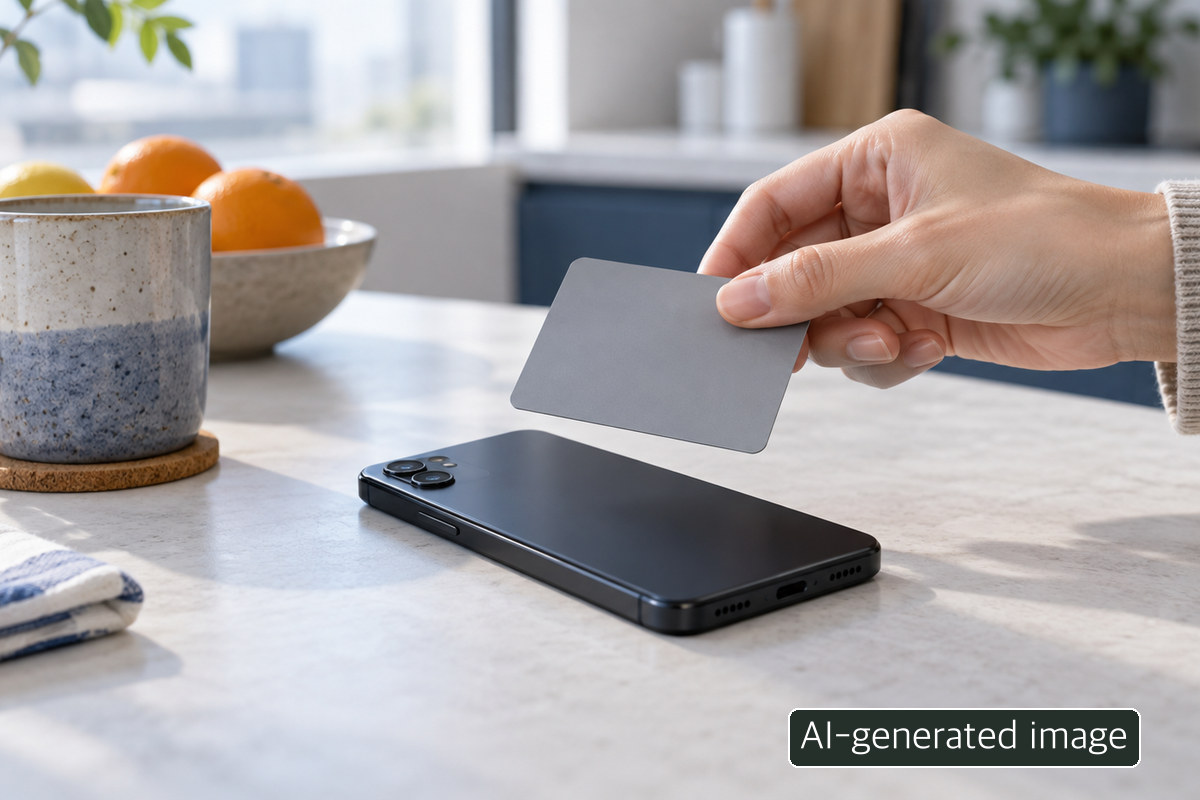
If you hold an eligible IC-enabled physical ID, the announced route lets you tap that card against a compatible phone and follow the app's instructions. A conventional card without the IC function is not interchangeable. Check your card type, phone NFC capability and the instructions shown inside the official app. The blank card below illustrates the tap; it does not depict an actual Korean ID.
Without an IC card: check the designated office
The ministry says someone without a physical IC ID can use an in-person issuance route at a designated institution. Do not assume every bank branch or every local office issues all five ID types. Check the official instructions for your type of ID, the designated location, required documents and opening hours before travelling. Repeatedly tapping a non-IC card will not change its capabilities.
Existing issuance on certain Samsung phones
A separate exception applies to Samsung-device users who already have a mobile-ID issuance history: according to the ministry, they can retrieve the existing ID through a simplified secure-authentication flow, without another physical IC-card tap or visit. This is not a promise that every Samsung-phone owner can obtain a first mobile ID without an IC card or visit. Confirm your history and the flow your app actually offers.

A short decision checklist
- Open the official bank app, not an advertisement or a link sent in a message, and check its mobile-ID menu.
- Distinguish an IC physical card from a standard one, and previous issuance from a first application.
- If a visit is required, verify the designated office, opening hours and documents for your particular ID through official guidance.
- Issuance and acceptance at a particular counter are separate questions; confirm how that location accepts mobile-ID presentation.
A shorter Korean-language overview is available in the Life Mokcha Naver post. This English explanation does not establish an English-language issuance interface or service at any institution.
About the Author
Life Mokcha's editorial team checked the ministry's October 13, 2026 release against the announced October 14 service start and the distinct issuance conditions. It cannot guarantee that a particular app menu is live or that an individual application succeeds.